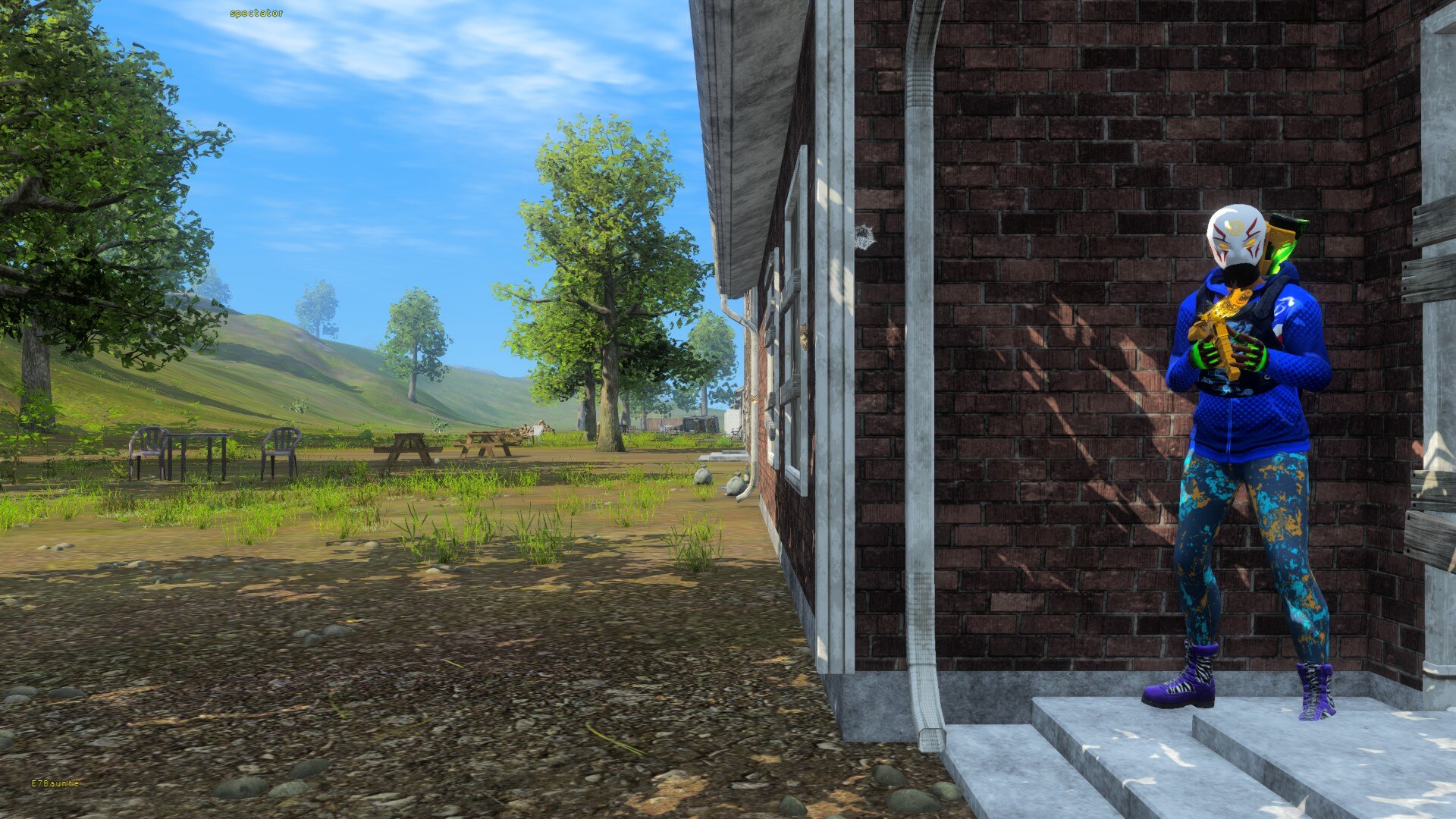
How to play.
ROTK runs from the Z1 Battle Royale copy you already own on Steam. Create an account, generate your key, install the launcher — about three minutes from here to the lobby.
ROTK
Launcher
Version 2.0.21
The launcher builds an isolated ROTK installation from your own Steam copy of Z1 Battle Royale, then signs you into our servers with your ROTK game key.
- Windows 10 and 11
- Open source, auditable, self-compilable
- Never modifies your official Steam install
Three steps to the lobby.
The written guide below is the same one posted in the Discord install channel. Follow it in order.
- 01Account
Create your ROTK account
Sign in with your Steam account. Steam is the only available sign-in method — no email address and no password are required.
Your ROTK account is created automatically the first time you sign in.
Sign in with Steam - 02Game key
Generate your game key
Once signed in, click your avatar in the top-right corner, open Account settings, then press Generate key in the Player launcher key section.
Your 32-character key is displayed only once.Copy it and store it somewhere safe. If you lose it, you will need to generate a new key, which automatically invalidates the previous one. - 03Launcher v2.0.21
Download and install the launcher
The ROTK Launcher is fully open source. Anyone can inspect its source code, audit what it does and compile it themselves.
Download the launcherAfter installing the launcher- The launcher finds your Steam copy of Z1 Battle Royale on its own — across every Steam library, including the game's former names — and validates it by what the folder contains rather than by its name.
- It also pre-fills a recommended destination on your system drive, usually C:\Games\ROTK, and creates that folder itself. You do not need to create it beforehand.
- So on a standard Steam setup the install panel opens with both paths already filled in: press Install once.
- The launcher then copies the required files from your own Steam installation into that new folder.
- Detection is best-effort. If your client is not found, or you would rather install somewhere else, pick either folder yourself — the same checks apply and the rest is unchanged.
- Paste your ROTK game key into the launcher and sign in.
Your official install
is never touched.
The launcher will not use or modify your official Steam installation directly. It requires a separate ROTK folder to keep both installations isolated and to prevent modified configuration or launcher files from conflicting with the official live game.
ROTK does not download or distribute H1Z1. The launcher only creates a local copy from the Z1 Battle Royale installation you already own on Steam.
What ROTK is, and what it is notThe community
will get you in.
Installation help, launcher issues and key problems are handled in the Discord support channels.